If you are coming from Factory Reset Your Pump Smart Module you may skip to step #2
If you are performing a clean install, start from step #1
Some steps may differ due to different mobile devices.
-
Carefully unbox your new device, being careful not to crimp, or puncture the clear air hose attached to the primary pump and controller. Inspect your air hose and pump for signs of damage that may have occurred during shipping.
-
Look for the Basement Guardian app on your iOS or Android phone.
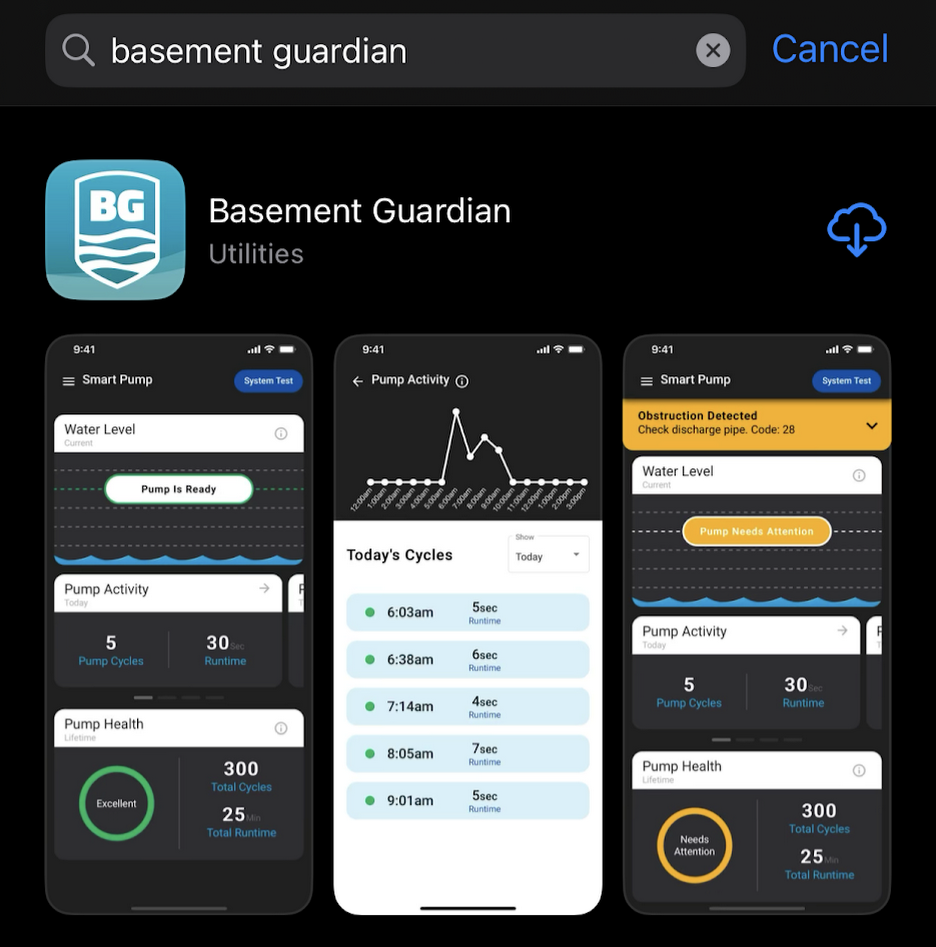
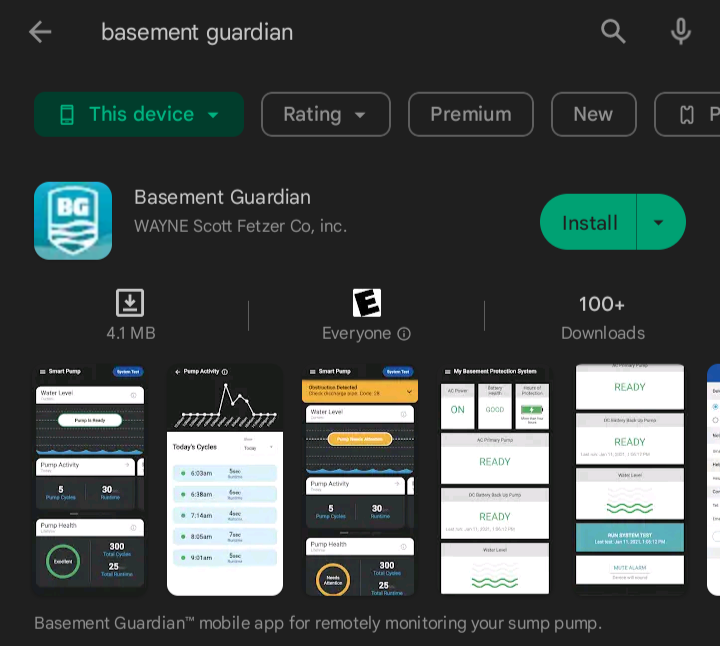
-
Create an account.
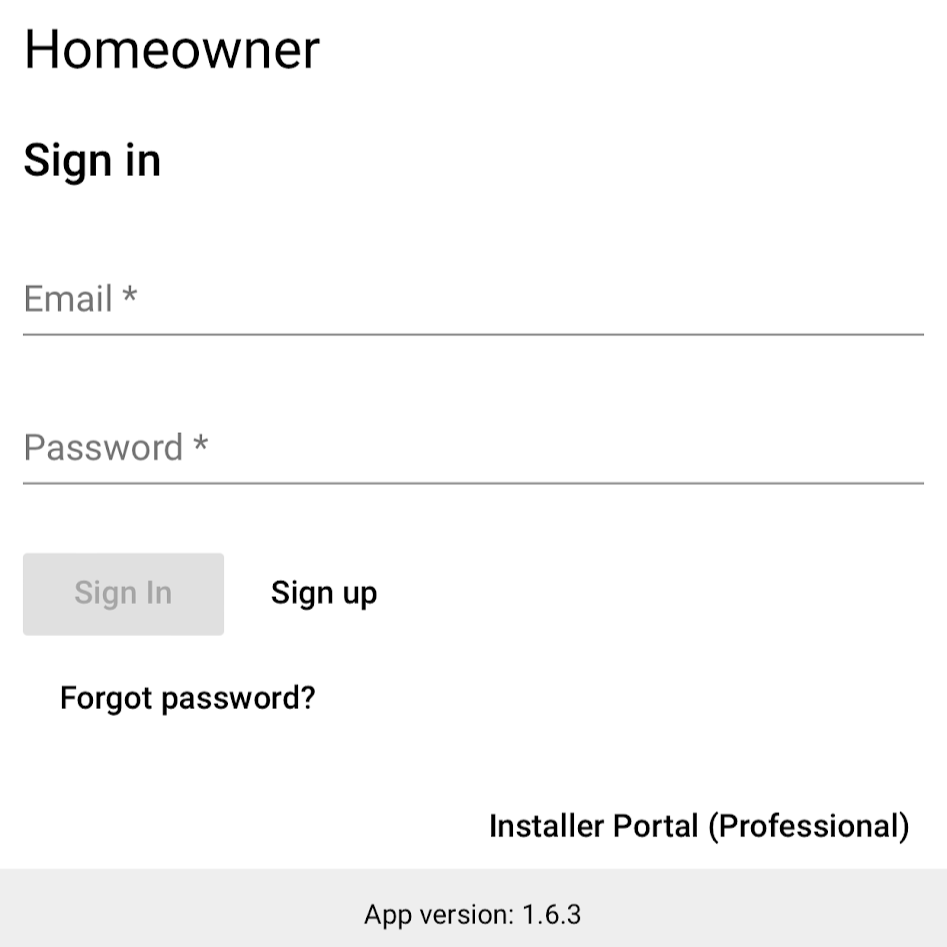
*if you already have an account, sign in.
Fill in the necessary information to register your account, then log in to the app.
-
Add Device
Click on Add Device
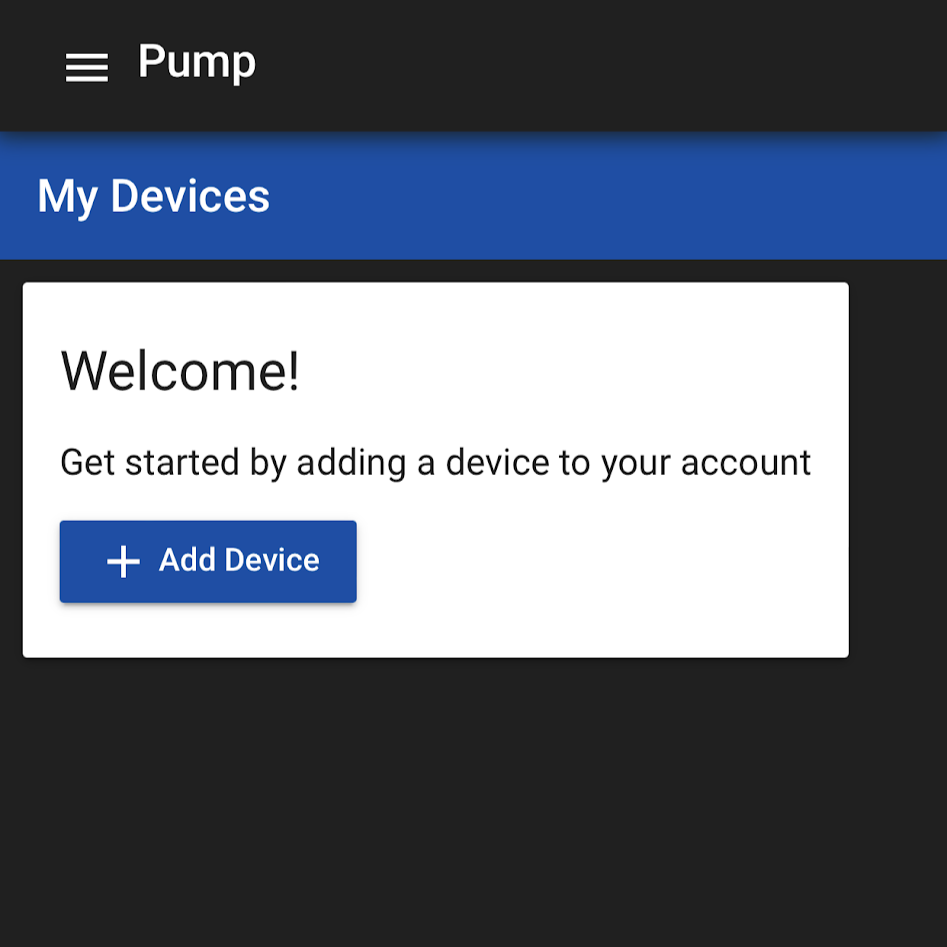
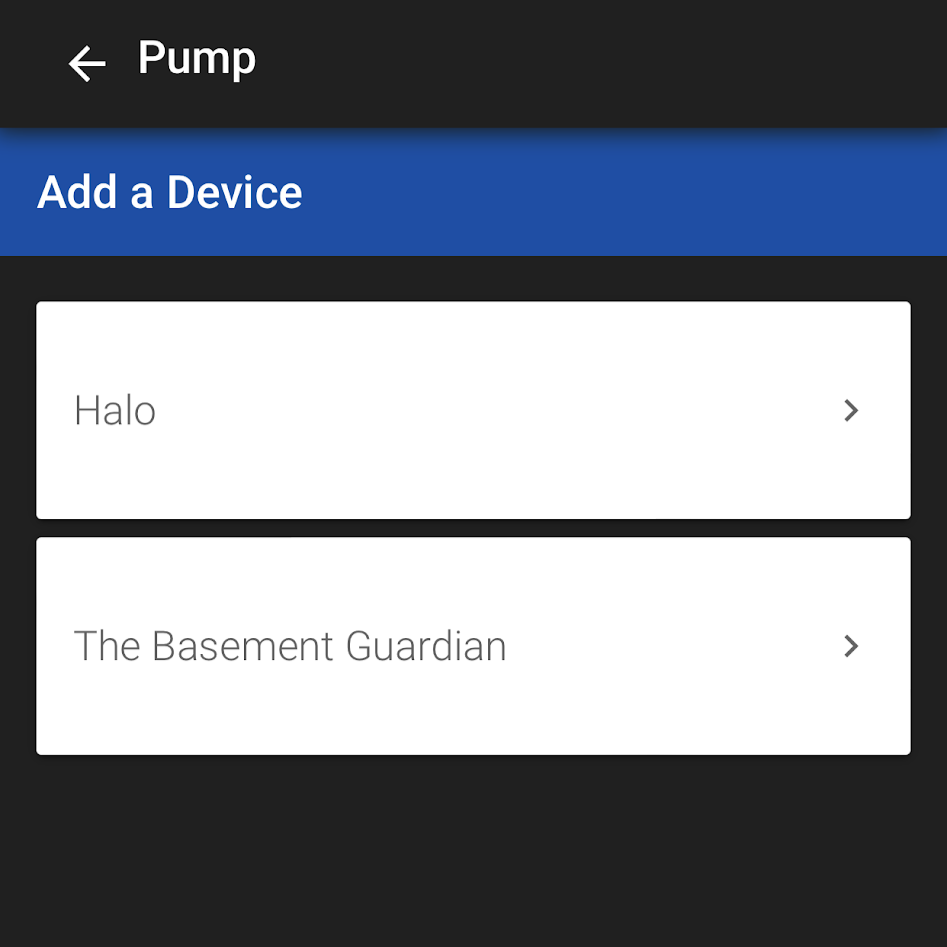
Choose your device from the device list.
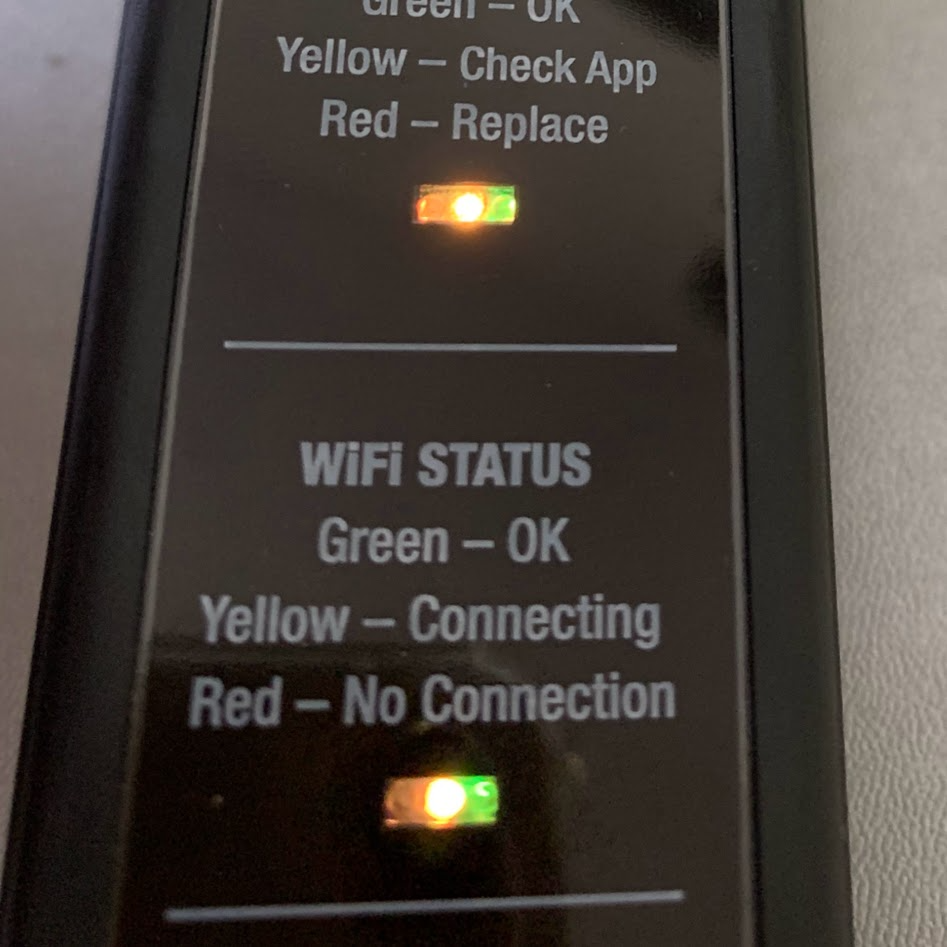
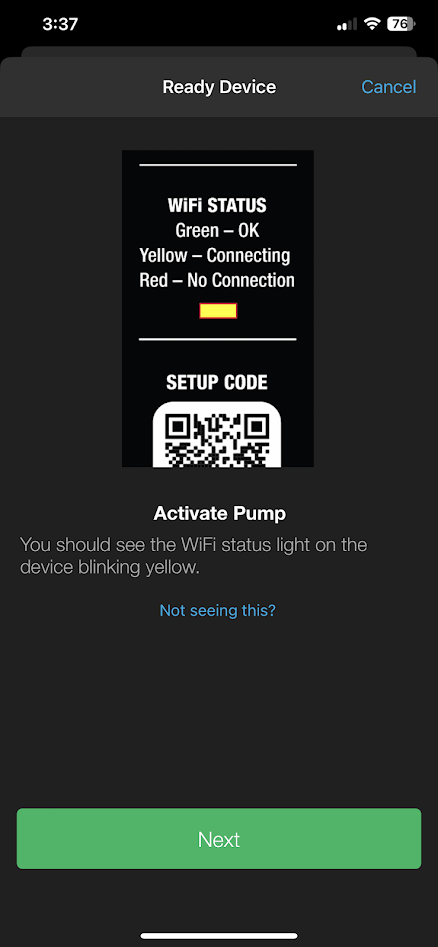
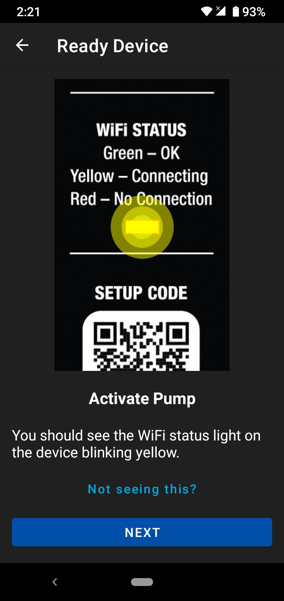
Confirm your device is on and ready for pairing with a blinking yellow status LED. Click Next
-
Scan the device label's QR setup code from the scanning view.
-
Allow permissions necessary for your setup.
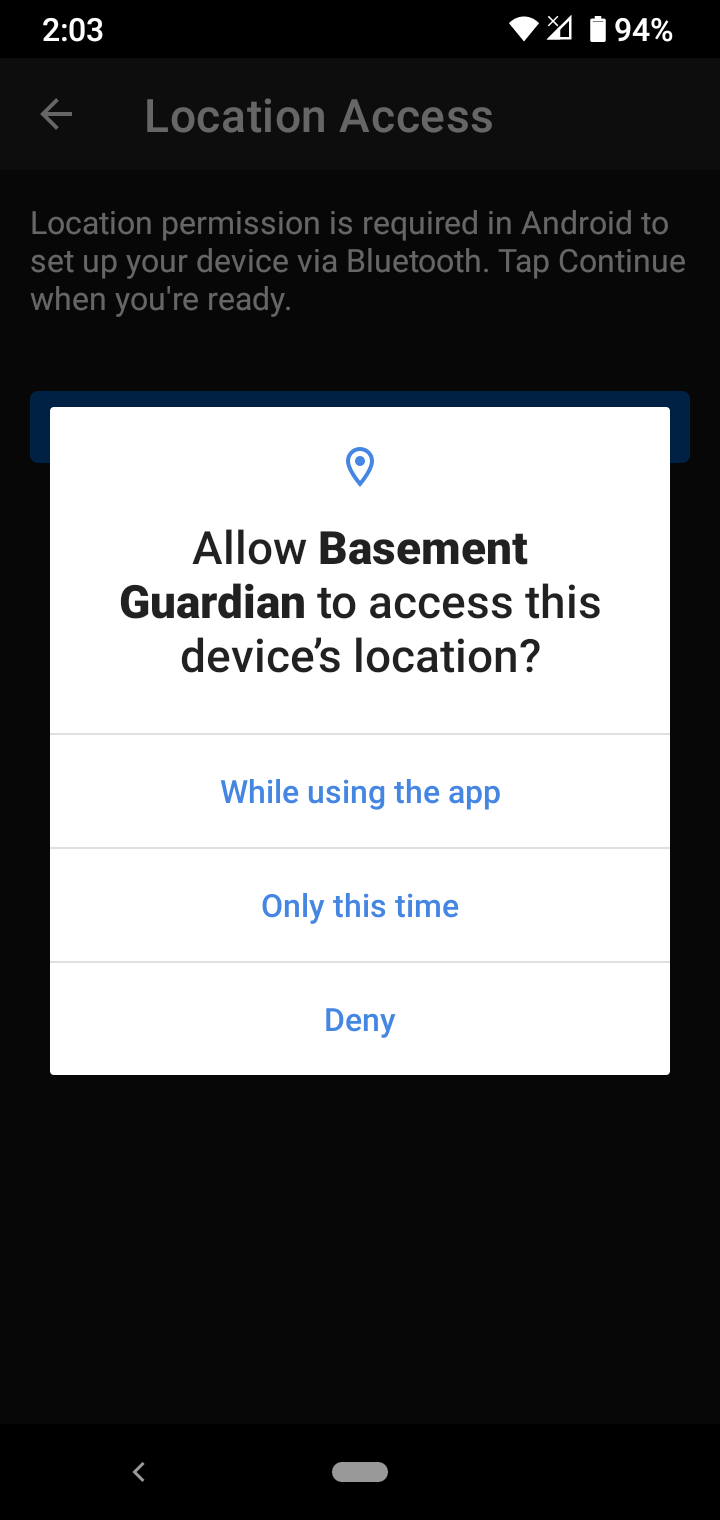
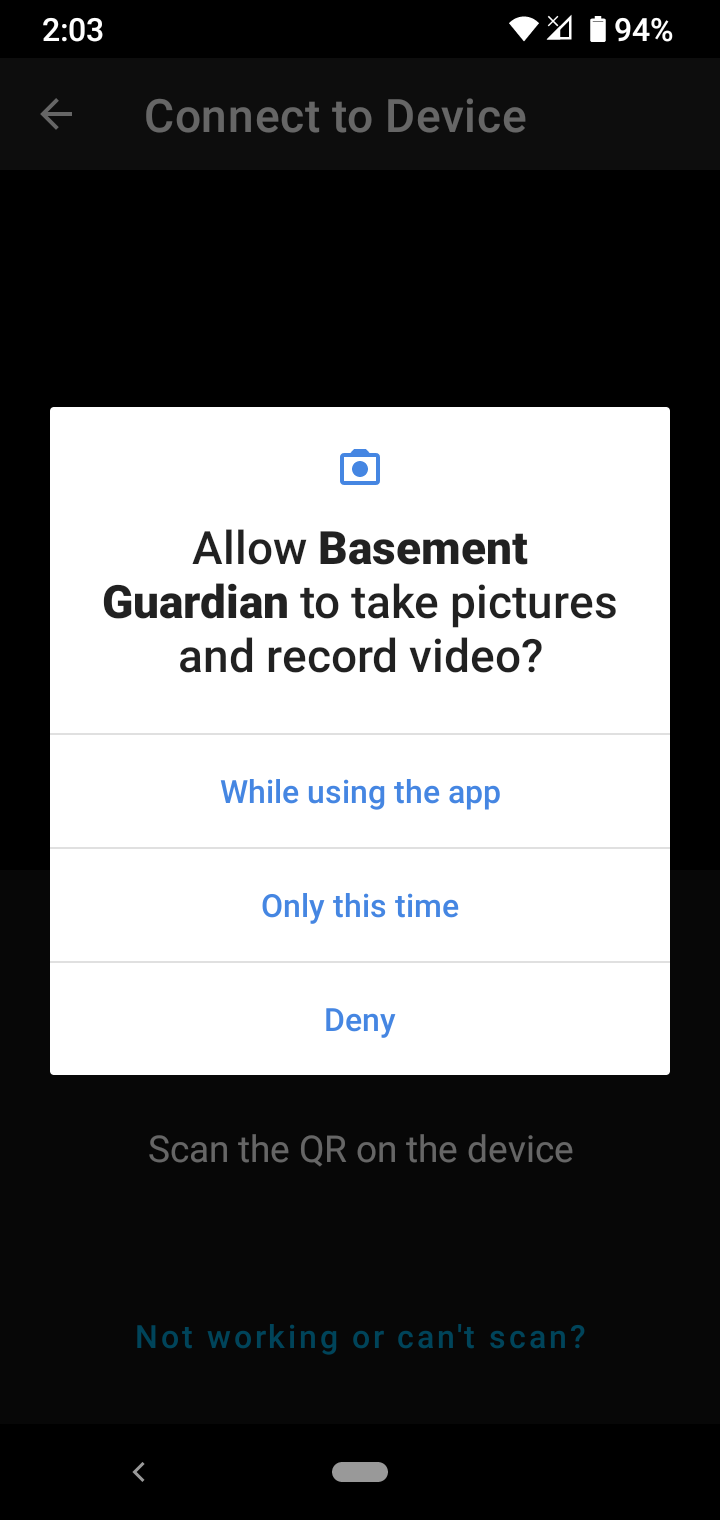
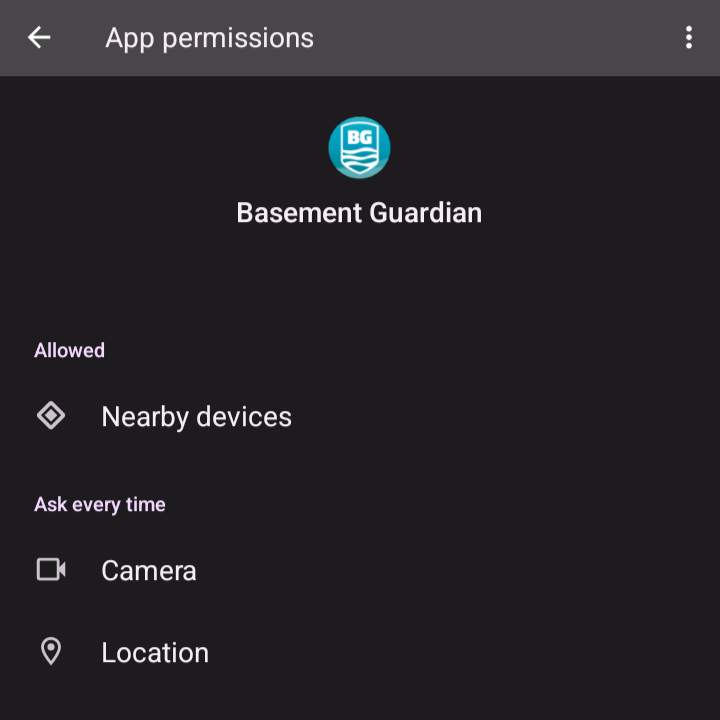
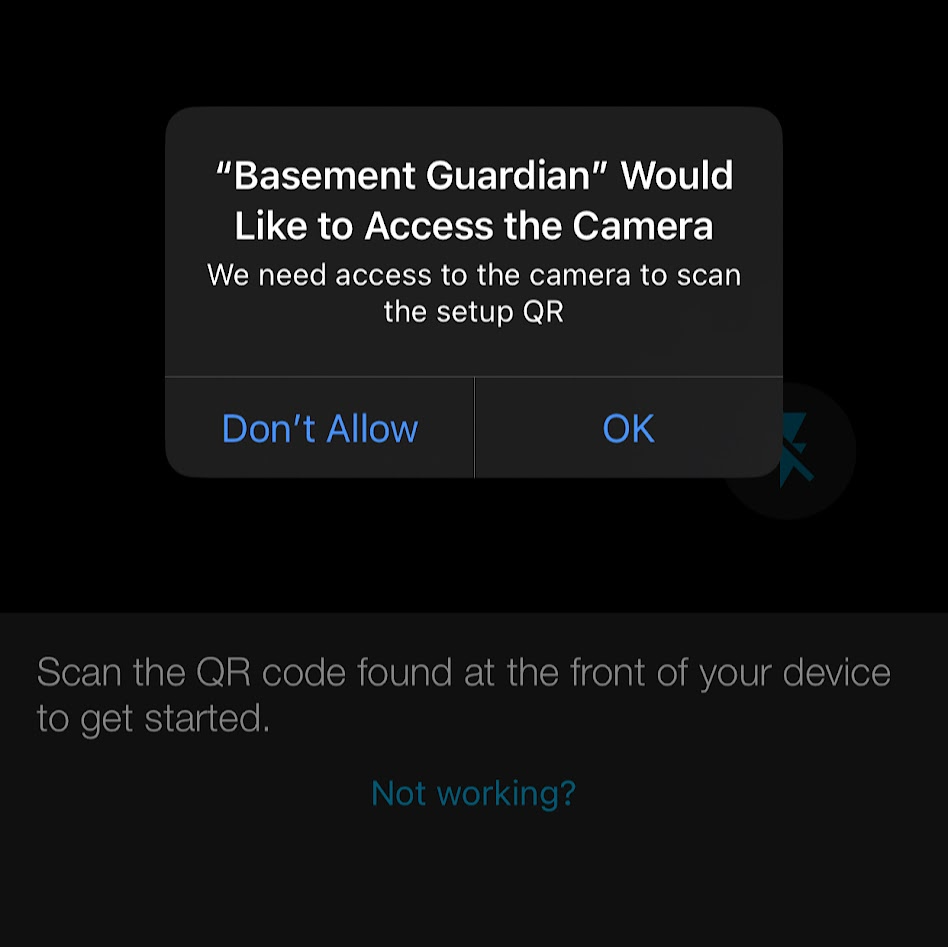
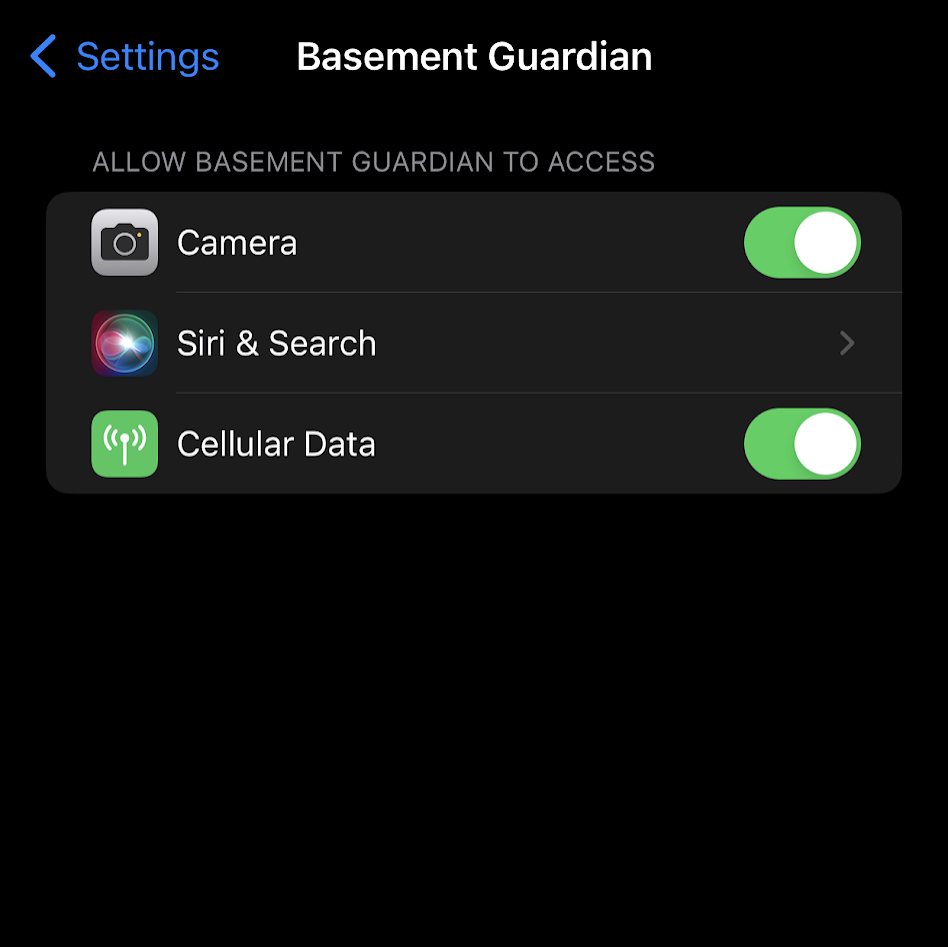
*it may ask for more permissions on either app; make sure you allow them if asked.
-
Select your WiFi network from the list. Make sure you have a 2.4GHz signal available as it is needed.
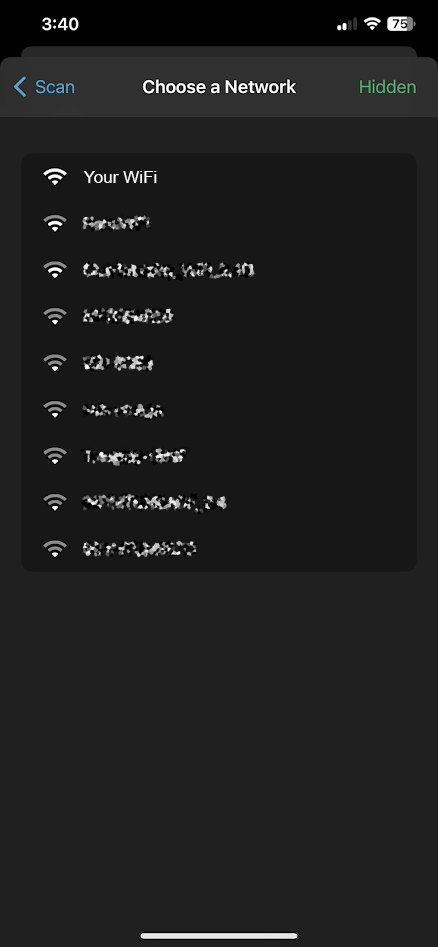
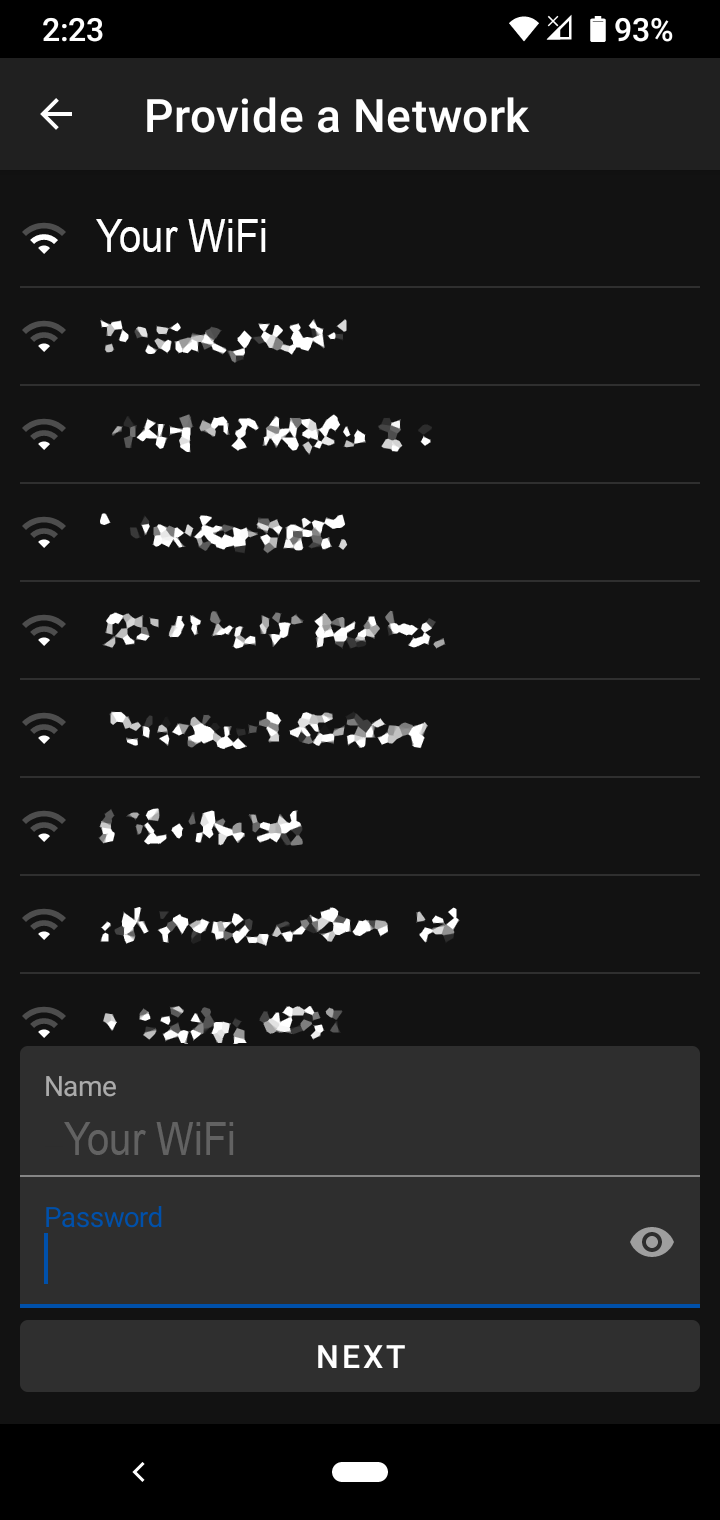
*Once selected, it will prompt you for its password; make sure you type it correctly
Note: Some prompts will appear saying it is connecting to WiFi, to the Cloud; right after that, the device will be successfully registered.
*optionally (recommended) Grant location permission for local weather data, or enter your zip code and fill in your contact information.
-
Finally, you should see this screen, which means you are done.
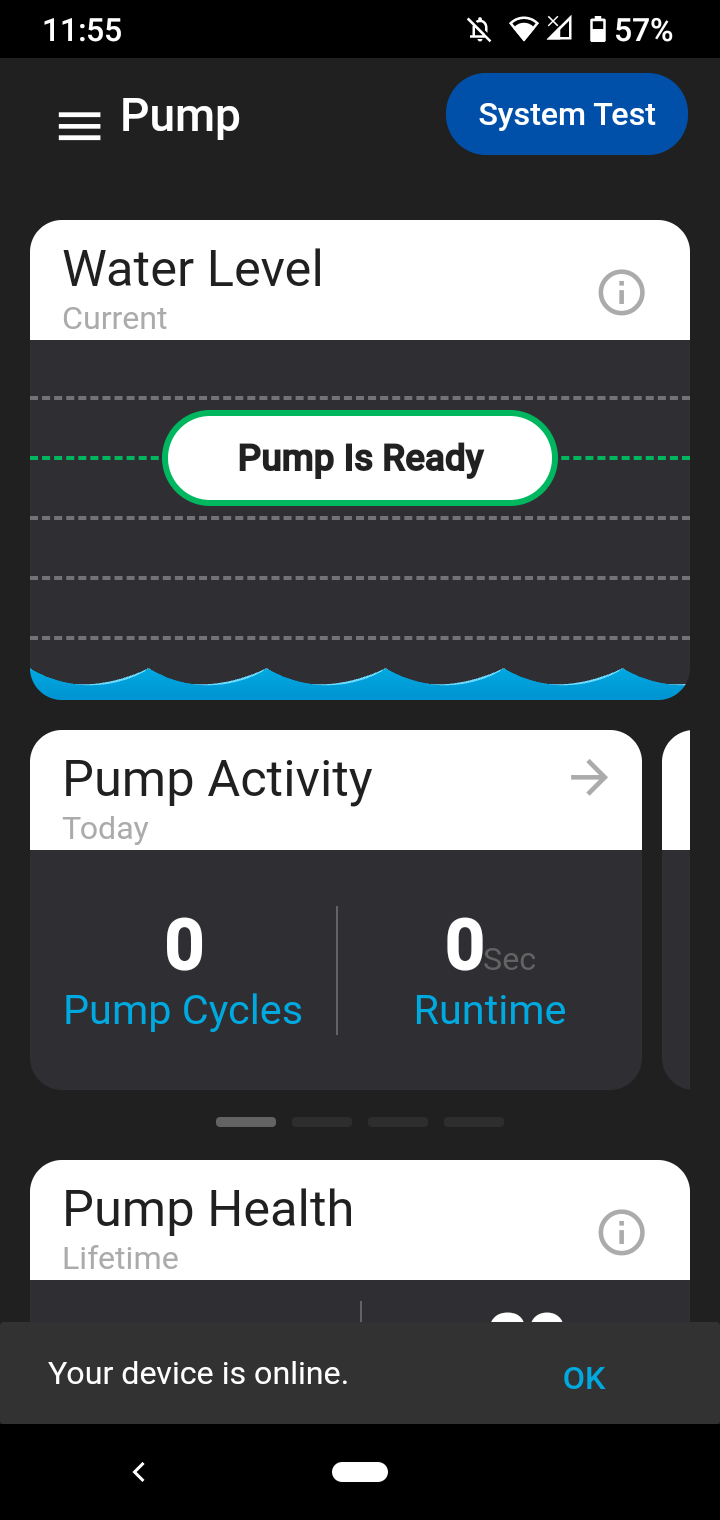
If you run into any problems, please check the FAQ