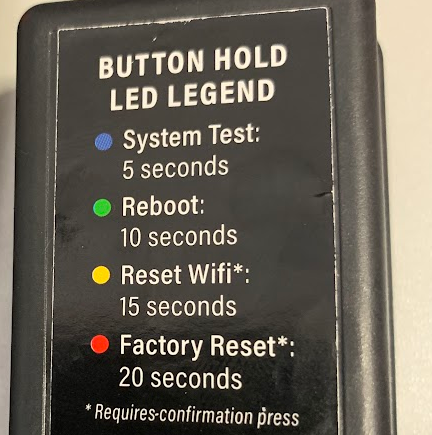
- Holding the module's button for 5 seconds or until a blue LED blinks, meaning it triggered a System test
- Holding the module's button for 10 seconds or until a green LED blinks, meaning it triggered a Reboot.
- Holding the module's button for 15 seconds or until a yellow LED blinks means it will start Resetting WiFi Credentials; confirm it by letting go of the button and clicking it again.
- Holding the module's button for 15 seconds or until a red LED blinks means it will start a Factory Reset; confirm it by letting go of the button and clicking it again.